Quick Summary: Event Check-In
- Target under 2 minutes: Long lines sour first impressions—plan for peak arrival demand, not average.
- On-demand printing is most flexible: Handles last-minute changes, walk-ups, and eliminates no-show badge waste.
- Names are the star: Use 24pt+ bold font for first names and print on both sides since badges flip.
- Separate walk-ups: Dedicated stations with payment processing keep pre-registered lines moving.
Part of our event check-in best practices guide
Event badge printing and check-in set the tone for your entire conference—long lines and missing badges sour first impressions fast. Here's how to set up on-demand printing, handle walk-ups, and keep wait times under two minutes.
Events remain one of the most powerful member engagement tools. Industry benchmarking data shows 39% of associations say their events and meetings are their most effective channel for new member recruitment. With that much at stake, every touchpoint matters—starting at check-in.
After nearly three decades of helping associations deliver exceptional events, I've seen registration experiences that run like clockwork—and others that grind to a halt. The difference usually comes down to planning, technology, and staff preparation. The good news? None of it's complicated. It just takes thoughtful design.
This guide walks through how to create a check-in experience that's fast, professional, and leaves attendees with a great first impression.
Why first impressions matter
Attendees form opinions about your event within minutes. A long line or confused registration team signals disorganization—even if every session afterward is flawlessly executed. According to Sequence Consulting's 2026 Association Trends Report, only 53% of associations report stable or rising event attendance, down from 62% the previous year. Making each attendee's first few minutes count has never been more critical.
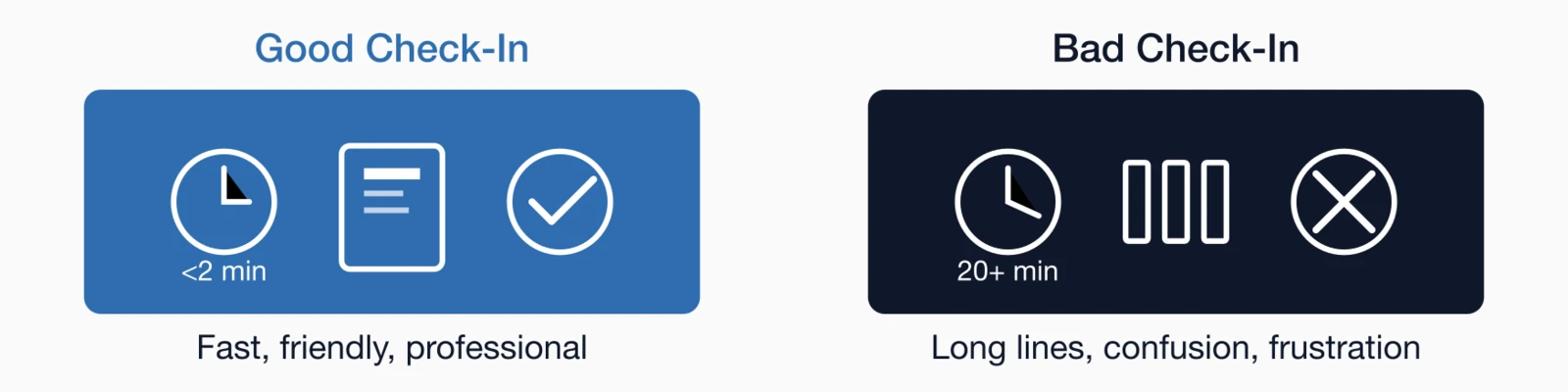
Good check-in should:
- Take under two minutes from line to badge
- Feel friendly and professional
- Offer clear signage and simple interactions
- Deliver a clean, correct, and readable badge
Bad check-in often looks like:
- Long lines that move slowly
- Staff searching through paper lists or boxes
- Missing or incorrect badges
- Payment or tech issues holding up the line
Choosing the right badge printing approach
Your badge printing method sets the tone for the check-in process. Each option carries trade-offs in cost, speed, and flexibility.
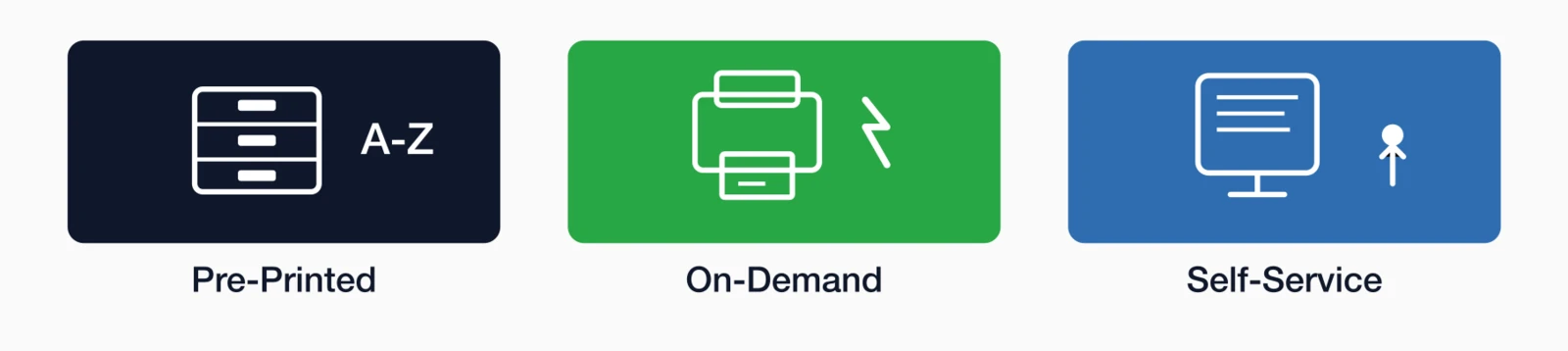
Pre-printed badges
Best for small events (under 100 attendees) with stable registration.
- Pros: No on-site printing; reliable even if power or internet fails
- Cons: Creates waste from no-shows; can't handle changes or walk-ups easily
On-demand printing
Ideal for events of any size—especially those with 200+ attendees.
- Pros: No waste; handles last-minute updates and walk-ins; professional look for everyone
- Cons: Requires reliable printers, connectivity, and contingency plans
Self-service kiosks
Designed for tech-savvy audiences and large gatherings.
- Pros: Fastest throughput; fewer staff required; gives attendees control
- Cons: Higher tech investment; some users need assistance; can't handle exceptions
Remote or advance check-in
Remote check-in works like airline check-in: attendees confirm their information online, then pick up a pre-printed badge at an express station. This approach can dramatically reduce on-site congestion.
Best for: Large or multi-day conferences with attendees comfortable using technology.
Advantages:
- Cuts on-site volume and lines dramatically
- Catches registration data errors early
- Makes attendees feel prepared
Remote Check-In Best Practices
Badge design that works
Badges are more than name tags—they're tools for identification, security, and networking. A well-designed badge can make attendees feel confident, help staff manage access, and spark valuable conversations.
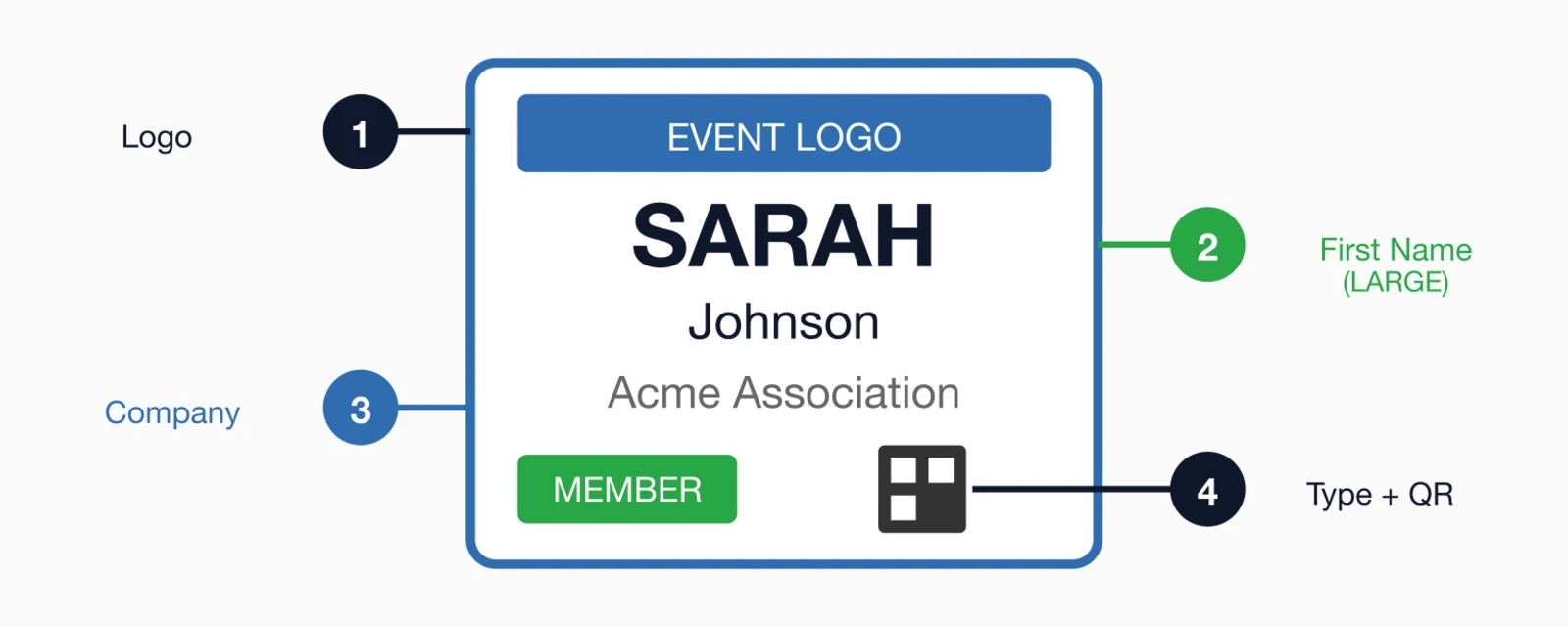
Essential badge elements
- First name: Large and readable from a distance (24pt+)
- Last name: Smaller but legible
- Organization: A key networking cue
- Attendee type: Member, speaker, exhibitor, etc.
Optional but useful
- Job title, city/state, or pronouns
- Ribbon colors or QR codes for session access or scanning
Badge Design Tips
The psychology behind great badge design
Attendees glance at badges for just a second. If names or organizations aren't instantly legible, networking moments are lost. Prioritize readability over aesthetics. Keep event branding minimal at the top—just enough for recognition—and make the attendee's name the dominant visual element.
Color-coding and visible organization names make it easier to identify speakers, VIPs, or first-time attendees—improving both access control and networking flow.
Designing the check-in flow
Good check-in begins with a smart layout. Think through every step of the attendee journey:
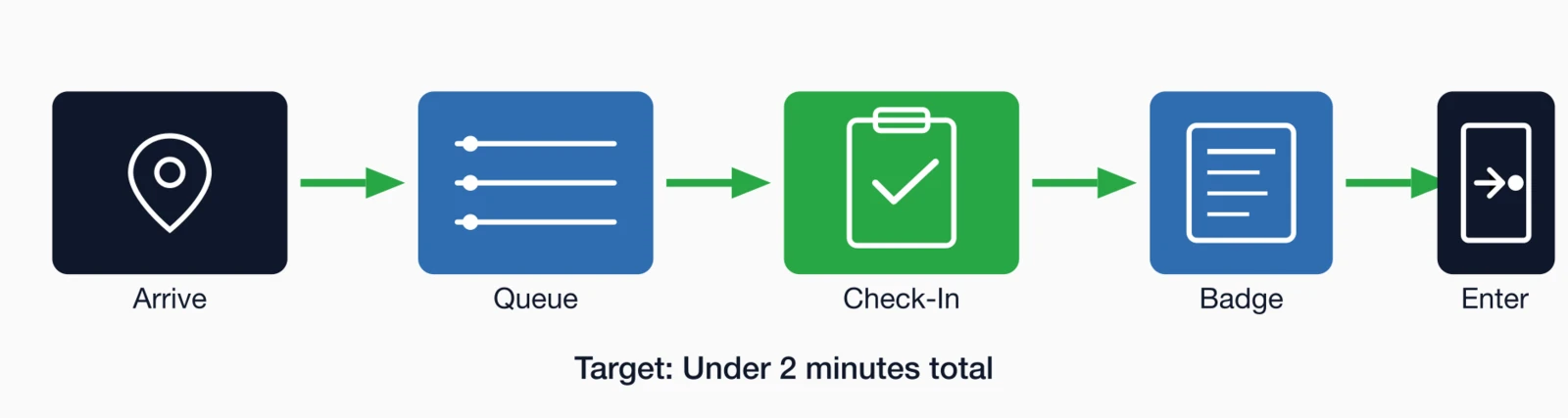
Line management essentials
- Use rope barriers or signage to define the queue
- Set up multiple lines or stations—each handles about 25 attendees per hour
- Create express lanes for QR or confirmation-code check-ins
- Route walk-ups and payment issues to a separate area
Station setup tips
- Use standing-height tables for faster interactions
- Provide easy access to power and badge materials
- Ensure a clear exit to avoid bottlenecks
Understanding the math behind line management
Peak arrival times—like 30 minutes before the opening session—require capacity planning.
For example, if 300 people arrive within an hour and each station can check in 25 per hour, you'll need 12 stations to avoid long lines.
Plan for peak, not average, demand. Strategies that improve throughput include:
- Allowing early or evening-before check-in
- Using self-service kiosks for simple check-ins
- Having a two-person system (lookup + print) at each station
Managing walk-up registrations
Walk-ups are inevitable but don't have to slow everyone else down.
Separate the processes
- Set up a dedicated walk-up station away from pre-registered lines
- Post clear signage ("Pre-Registered" vs. "On-Site Registration")
- Equip stations for payment processing
Streamline walk-up workflows
- Let visitors register on mobile while waiting
- Keep paper forms as a backup
- Display walk-up pricing clearly
- Provide receipts instantly
Technology and equipment
Dependable equipment underpins a stress-free check-in. Always plan for backups.
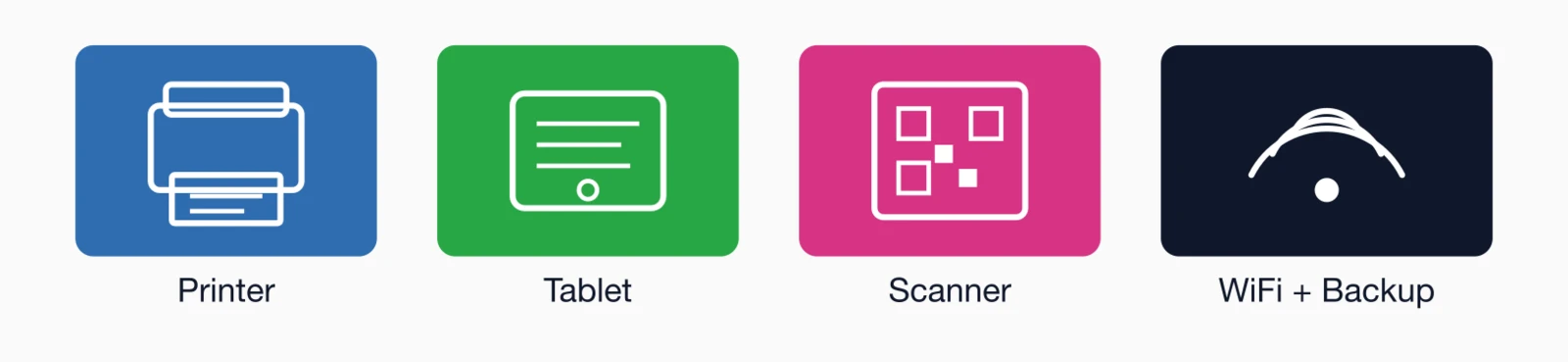
Core equipment
- Fast direct-thermal badge printers
- Tablets or laptops at each station
- Barcode/QR scanners
- Secure internet access (wired preferably) with cellular backup
- Extra power strips and cords
Backup planning
- One backup printer for every 3–4 active ones
- Offline or local printing capability in case the network drops
- Paper lists as a last resort
- Extra badge stock, ribbons, and lanyards
If tech issues arise, issue temporary badges marked accordingly so guests can enter immediately and reprint later. This keeps the line moving.
Before the Event
During Check-In
Staffing for success
Even the best system fails without well-trained, confident people.
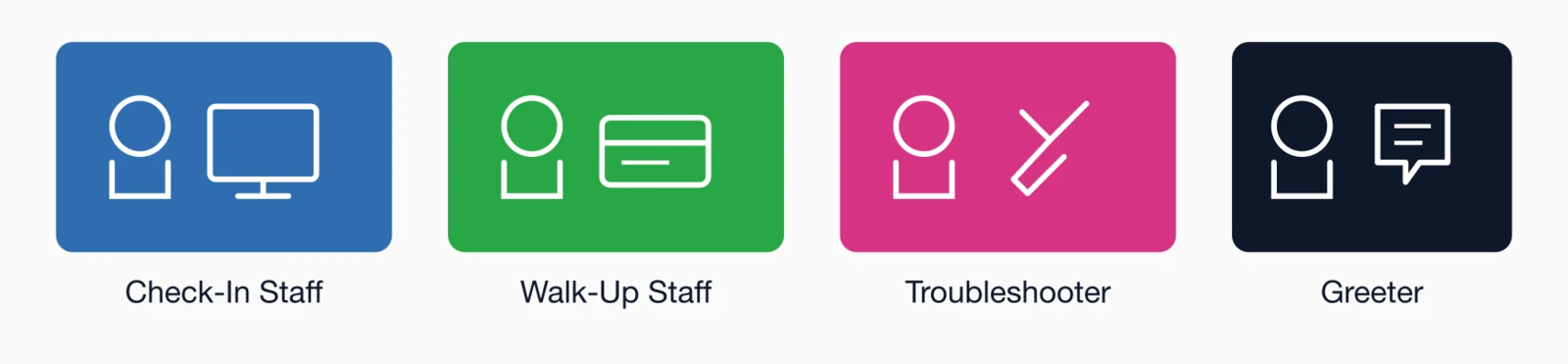
Recommended staffing
- 1 staff per check-in station plus a floater
- 2 staff per walk-up station (registration + payment)
- 1 troubleshooter for issue resolution
- 1–2 greeters directing traffic
Training should cover
- Attendee lookup and badge printing
- Handling missing names and payments
- Escalation procedures for complex cases
Schedule peak coverage before morning sessions and maintain shorter shifts (no one should work more than two hours straight). After the initial rush, scale down but stay ready for walk-ups or post-lunch spikes.
Setting the tone for the entire event
Check-in sets the emotional temperature of your event. When the process feels smooth and efficient, attendees relax and engage more fully from the start.
Over the years, I've seen associations transform the entire event experience simply by refining check-in. The principle is simple: respect attendees' time, anticipate challenges, and equip your team to handle them gracefully.
Invest in reliable technology.
Train thoroughly.
Plan for peak demand.
Your attendees will remember how your event felt from the moment they arrived—and that memory begins at the registration desk.
For more practical insights, explore our full Association Event Management Guide
Key takeaways
- On-demand badge printing is the most flexible and efficient option
- Self-service check-in can cut lines dramatically
- Good badge design starts with large, clear names and strategic color coding
- Plan for walk-ups without slowing pre-registered guests
- Staff for peak arrival times—and train for calm, confident execution
Streamline Your Event Check-In
i4a's event management includes flexible registration, walk-up support, and attendance tracking—all integrated with your member database.
Ask About Event FeaturesRelated resources
Optimize the pre-event registration experience.
12-month checklist for conference planning.
Manage continuing education credits at events.
Complete guide to conference and event planning.
